
May we use analytics cookies?
Google Analytics shows us which pages help, so we can improve them. It sets cookies in your browser. About cookies
Your browser sends Global Privacy Control, so analytics stays off unless you accept here.

AceMoney Studio
Register, budgets, reports and investments — local-first, no sign-up, one price.
AceMoney Cloud goes live on October 8, 2026.
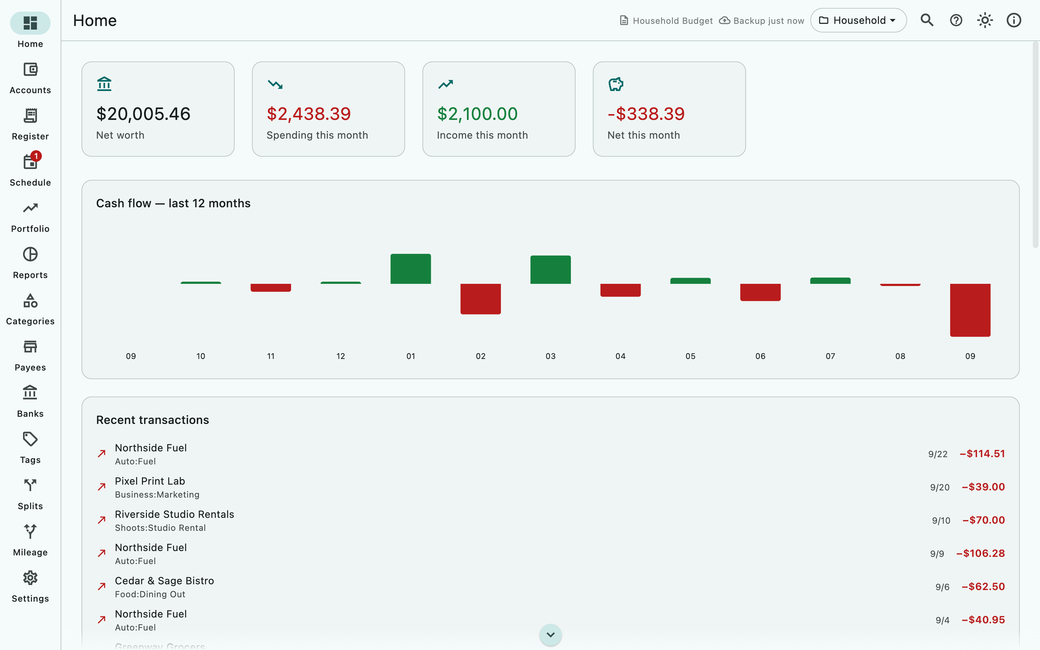
See it
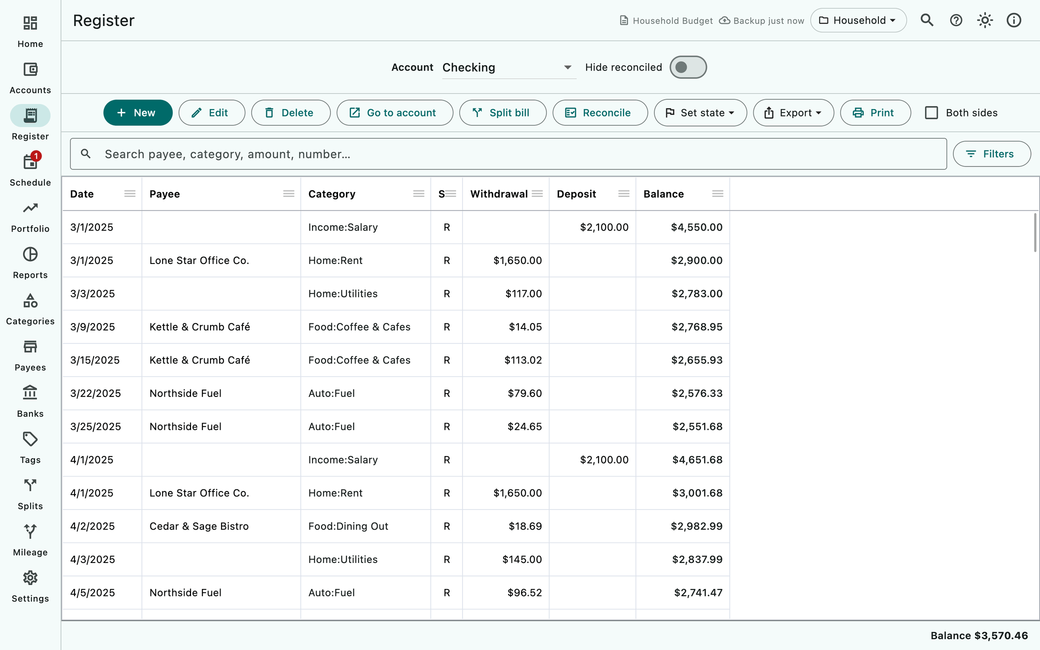
Search, split and reconcile in a register that keeps your running balance.
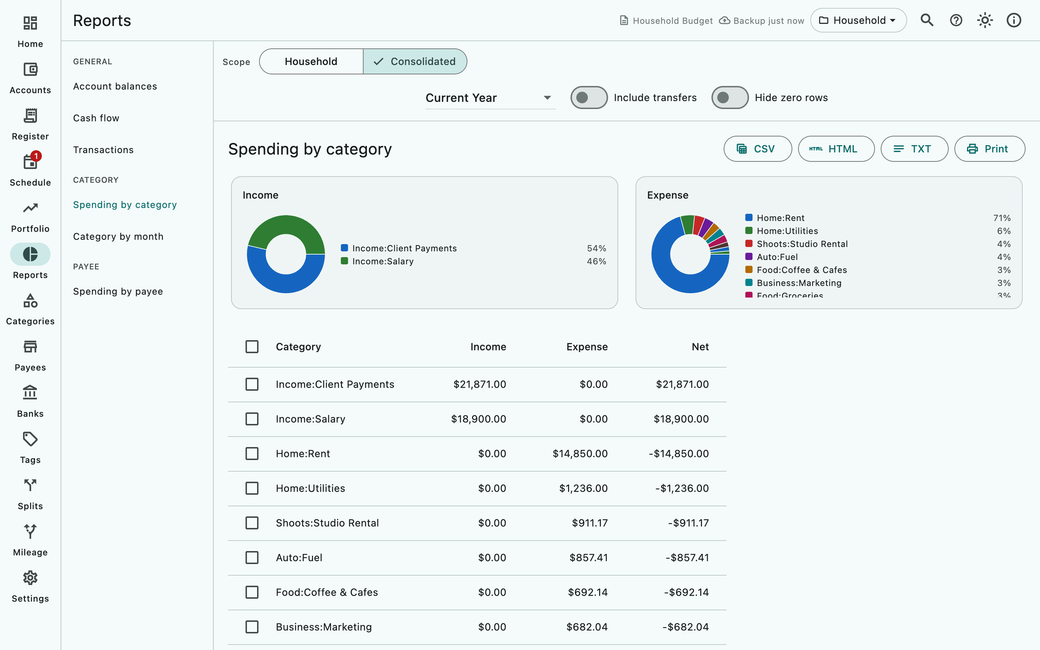
Spending by category and more, on screen, exported to CSV, HTML or text, or printed.
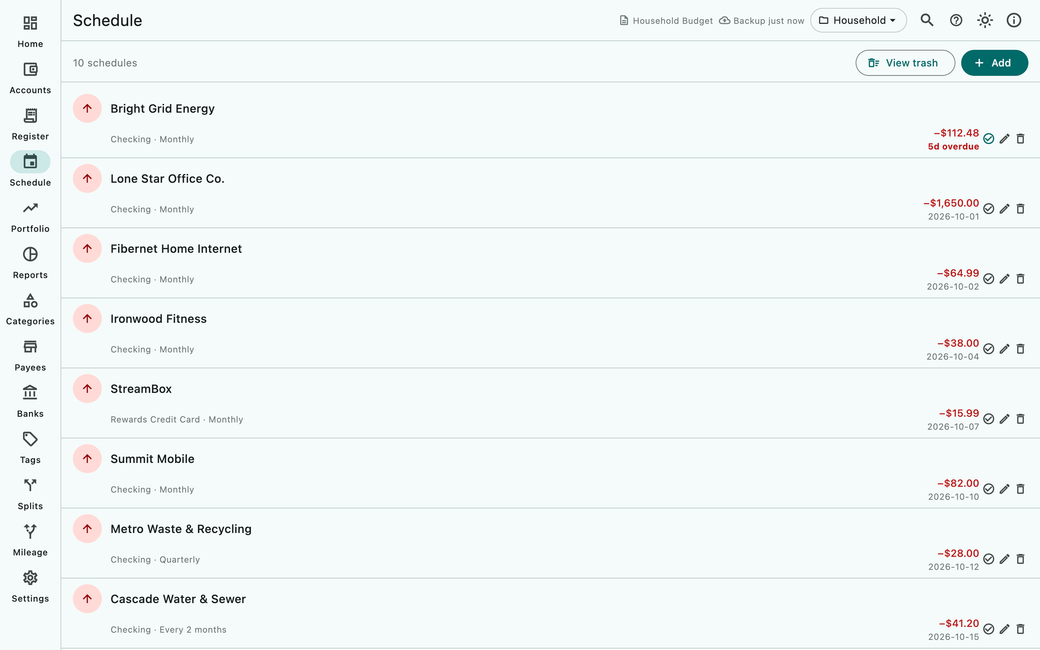
See what is due, what is overdue and what comes next.
Your books live on your computer, and AceMoney Studio works offline.
No account to create, nothing to log in to. Your license is a key and the e-mail you bought with.
Includes 12 months of updates. The app never stops working. Keep getting updates for an optional $24.99/yr (available before your first year ends).
How it works
Track up to 3 accounts with Studio Free — no time limit, no sign-up, no card.
$69.99 unlocks everything on 2 computers. Your license key arrives by e-mail.
Open Settings, choose Activate license, paste the key and your e-mail, and choose Activate. Nothing to reinstall.
What’s inside
A fast register, with split transactions for one payment across categories.
Real budgets, with gauges that show where each one stands.
Spending, income and net worth over time.
Portfolios with quotes, beside the rest of your money.
Accounts in many currencies, with automatic exchange rates.
Scheduled transactions for bills and paychecks.
AceMoney Classic (JSON or XML export), QIF, OFX, QFX and CSV — and Microsoft Money through its QIF, OFX or OFC export.
Bring transactions in through your own SimpleFIN account — a separate service — in every edition, Free included.
Checks your books’ integrity and repairs what it can.
$69.99 one-time
Buy Studio — $69.99Studio and the first year of AceMoney Cloud, $119 once. Cloud then renews automatically at $79.99 a year until you cancel.
AceMoney Cloud goes live on October 8, 2026.
Questions
No. You activate AceMoney Studio with your license key and the e-mail you bought with — there’s no account to create.
Yes. One license covers two computers, in any mix of Windows, macOS and Linux.
Includes 12 months of updates. The app never stops working. Keep getting updates for an optional $24.99/yr (available before your first year ends).
Yes. Export it from AceMoney Classic as JSON or XML, and AceMoney Studio imports it.
Studio Free tracks up to 3 accounts, with no time limit. AceMoney Studio unlocks everything, in the same app: there is nothing to reinstall.
You can ask for a refund within 30 days of your purchase. See the refund policy.
AceMoney Cloud
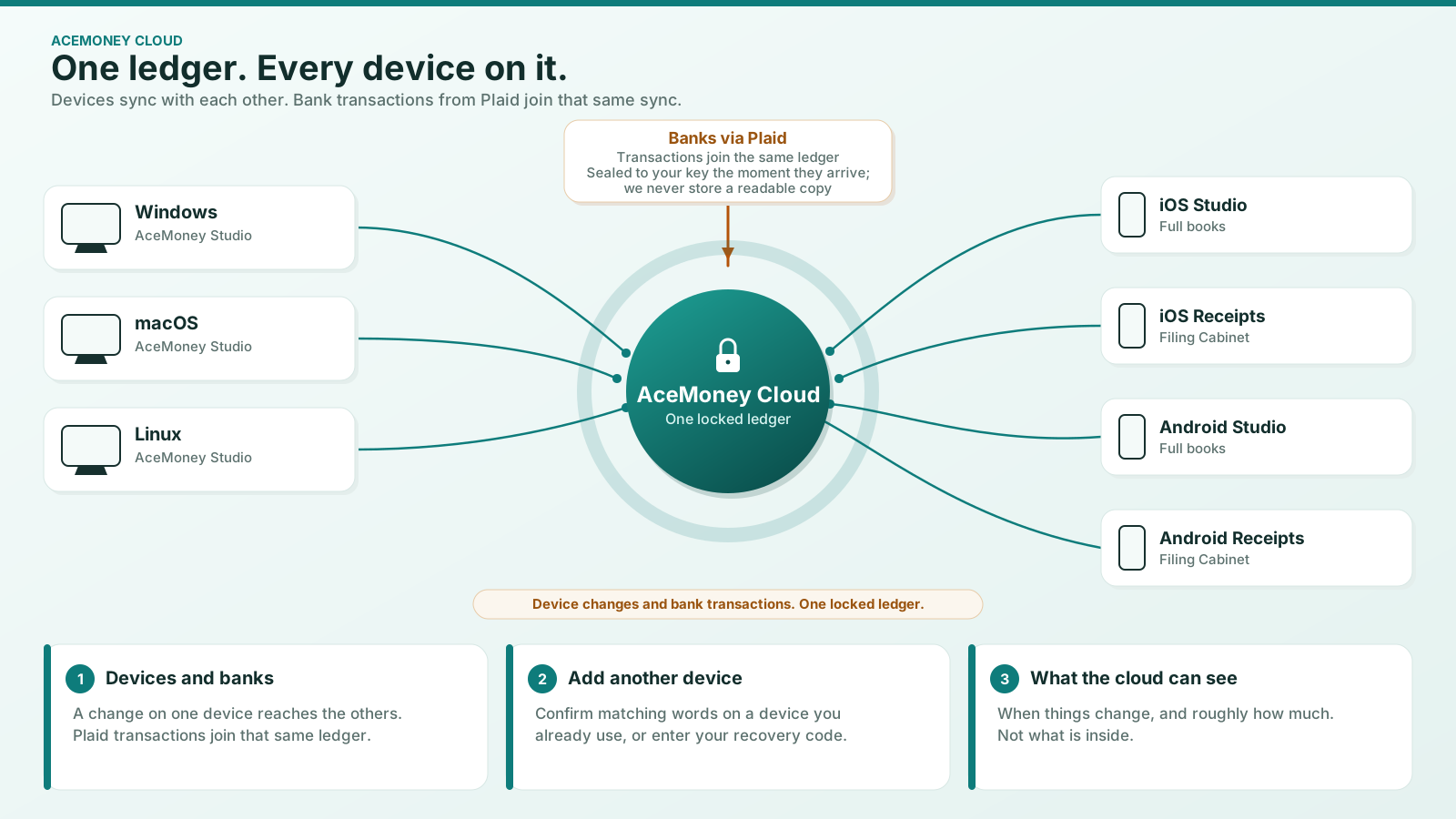
 AceMoney CloudSync between your computers and AceMoney Studio Mobile, managed bank feeds and Receipts Pro features, end to end encrypted.AceMoney Cloud goes live on October 8, 2026.
 AceMoney ReceiptsSnap receipts on your phone and turn them into searchable records.
 Switching from AceMoney ClassicYour license keeps working. Bring your data when you’re ready.